 Ficelle
LLM gateway open source: what you run and what you keep
An open-source or self-hosted LLM gateway gives you the code and the keys, and hands you the upkeep: upgrades, provider drift, health checks, secret custody, logs and policy tests. A deployment checklist built on the LiteLLM and Kong documentation, and where a local source-available router with a maintained provider pack fits.
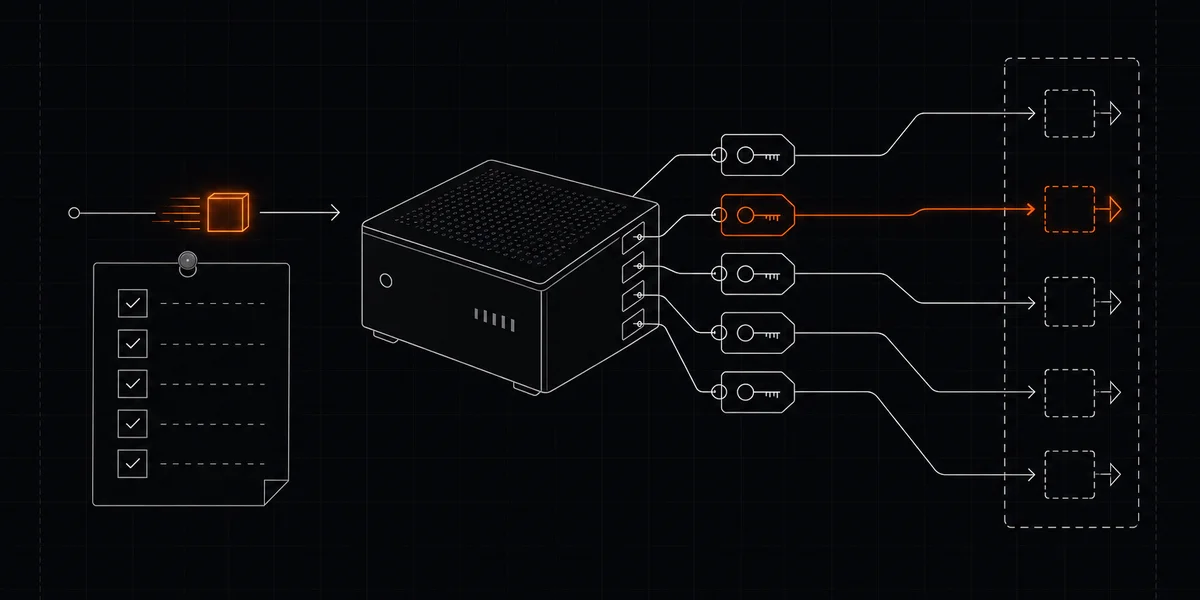
An open-source LLM gateway gives you an OpenAI-compatible endpoint you run yourself, with your provider keys on your own infrastructure and the routing code open to read. What you keep along with it is the upkeep: pinning and testing upgrades, following providers when they rename or retire models, checking health without probing every model on each poll, guarding the keys the gateway stores, deciding what it logs, and testing that your routing policy does what you think. LiteLLM’s documentation is candid about that work, so it serves as the running example here. This article walks through it as a checklist, then shows where Ficelle, a local router that is source-available rather than open source, takes part of it off your hands.
What does an open-source LLM gateway give you?
Three things a hosted router does not: the code, the keys and the placement. You choose the machine, the network it listens on and the providers it calls, and you decide which integrations, if any, receive copies of your traffic.
LiteLLM’s proxy quick start shows how small the first step is. You install it with uv tool install 'litellm[proxy]', list your models in a config.yaml (a model_name alias your clients call, and litellm_params for the provider model, base URL and key), then start it with litellm --config your_config.yaml. The startup line reports the proxy running on port 4000, and any OpenAI SDK pointed at that port can call it. LiteLLM does this well: one alias can hide a provider switch from every client, and the commands on that page run without a database.
Kong takes the other common route. Its AI Gateway documentation describes it as a “Connectivity and governance layer for modern AI-native applications”: it adds AI features to an API gateway you may already run, including routing and load balancing across AI providers and policies such as AI Prompt Guard, AI Semantic Cache and AI Rate Limiting Advanced. If your team already operates Kong, adding model traffic there means one more set of routes rather than a new service. The page does not say which of these features each Kong edition includes, so check that against your license before planning on them.
For the layers a gateway covers in general, see what an LLM gateway is. The rest of this page is about running one.
The self-hosting checklist
1. Upgrades: pin, verify, then move
A gateway sits on every model call, so a bad release reaches all of them. LiteLLM’s production guide asks you to “Verify the image signature, approve the artifact, and deploy an immutable digest through your release pipeline,” and its Docker example carries the comment “pin a version, do not use :latest”. Check the runtime too. The quick start states that “LiteLLM 1.84.0 and newer require Python 3.10 or higher,” and warns that “on an older interpreter pip silently resolves down to the last release whose requires-python still allowed it”.
The reason to take this seriously is recent. LiteLLM’s maintainers reported that an attacker “published malicious versions to PyPI that were never released through the official GitHub CI/CD”; our account of the LiteLLM supply chain attack covers which versions, what they did and how to check a machine. Whatever gateway you pick, install from a pinned version or digest and keep the previous one ready for rollback.
2. Provider drift: someone has to follow the providers
The gateway’s code can be stable while its configuration goes stale. Providers retire model ids, change free quotas and report capabilities a model does not deliver. Provider breakage covers the three failure modes: rate limits, retirement (a model id that stops answering one morning) and capability drift. In a self-hosted gateway each of these lands in your config.yaml: you notice the failing alias, find the replacement model, and test that it still handles tools or JSON before you swap it in. Put a named owner and a recurring check on that file, the same as you would for a dependency list.
3. Health checks that do not probe models on every poll
LiteLLM’s health documentation separates three kinds of check. /health/liveliness means “The process is up. No dependencies are checked.” /health/readiness means “The worker is ready to accept traffic,” and the page notes that when a dependency it checks fails, “readiness returns 503 so the pod is pulled from rotation”. Plain /health is different: “By default /health probes every model on each call,” and “every call sends a real test request to each of those deployments”. Point your load balancer or uptime monitor at liveliness or readiness. If you want model-level health, turn on background_health_checks, whose interval defaults to 300 seconds: the monitor then reads the last cached result, while the background runs still send their own test requests on that schedule.
4. Secret custody
A gateway that only reads keys from environment variables is simple to reason about. Once you add a database, it starts storing credentials. LiteLLM’s virtual keys need a Postgres database and a master key, “your Proxy Admin key”, which “must start with sk-”. Its production guide adds a salt key “for encrypting and decrypting stored variables” and warns: “Do not change it after adding a model; it encrypts your LLM API key credentials, and changing it makes them unreadable.” That makes the salt key a secret to back up and leave unchanged, and the master key one to keep out of client code.
5. Telemetry: decide what the gateway records
LiteLLM’s production guide states that “LLM exceptions are written to the database by default,” and that “Under sustained provider errors this bloats the spend logs table”; its example configuration sets disable_error_logs: True. Debug flags (--debug, --detailed_debug) and the LITELLM_LOG level can print request detail. Before going live, list what reaches logs, spend tables and any callback you configure, and whether prompts are part of it.
6. Capacity
The production guide suggests to “Start load testing with 1 vCPU and 4Gi of memory per worker,” and to “Run Redis (7.0 or newer) as soon as you run more than one proxy instance.” A single developer’s gateway on a laptop can skip both. A gateway shared by a team is worth load testing from that starting point, and needs Redis once it runs as more than one instance.
7. Policy tests
Write tests for the rules you care about, and run them after each upgrade and config change. The useful ones: an alias that should fall back does fall back on a rate limit; a request needing tool calls never lands on a model without them; and no fallback path reaches a paid model you did not intend to pay for. The last one matters most when free models are in the pool, because a quiet retry against a paid model shows up only on the invoice. LLM fallback covers how to tell a short rate limit from an exhausted daily quota before you retry.
Open source, source-available and hosted: what each one leaves you
| Self-hosted gateway (for example LiteLLM) | Ficelle (local, source-available) | Hosted router | |
|---|---|---|---|
| Who runs it | You | You, on your own machine | The vendor |
| Where keys live | Your servers, your database if you add one | Your machine | The vendor or your account there |
| Routing policy | Yours to write and test | Built-in profiles and virtual model ids | The vendor’s options |
| Provider upkeep | You | Reference providers in the open core; maintained pack with Pro | The vendor |
| License | Varies by project and edition: check each | BSL 1.1, code public to inspect | Proprietary service |
Ficelle is not an open-source gateway, and it is built for a narrower job than LiteLLM or Kong: routing to free models, with no paid-model routing on any plan. It runs on your own machine as an OpenAI-compatible endpoint at http://127.0.0.1:8646/v1, installed with one command whose script checks the package against a pinned SHA-256. You request models by kind, such as ficelle/auto-tools or ficelle/auto-coding. Several checklist items become defaults: when a free model rate-limits, it is marked cooling down, the best working free alternative answers when another eligible model is available, and the limited one is probed until it recovers. The policy test for paid fallback is settled in code under strict-zero routing: allow_paid_fallback is reset to false on every load, the router refuses to start if it reads another value, and any model reporting billing is quarantined.
Free models also have a ceiling. In Ficelle’s 76-task benchmark against gpt-5, free routing tied or beat the paid model on 100% of classification, 95% of JSON extraction and 94% of reasoning tasks, but on polished writing it tied or won on only 50% of tasks (10 of 20). The benchmark page calls its LLM-judged results directional. Keep user-facing writing on a paid model or with a human editor, whichever gateway you run.
Which one should you run?
- A team gateway with per-user keys, budgets and spend reporting: LiteLLM, with the database, salt key, Redis and upgrade process above. The LiteLLM alternatives comparison covers who maintains the routing policy in each option.
- Model traffic inside an API gateway you already operate: Kong’s AI Gateway, after checking which policies your edition includes.
- One developer or agent on free models, with no paid fallback: a local router. Ficelle’s open core is free under BSL 1.1, with no account and no card, and ships the OpenRouter and Nous reference providers; you bring your own provider keys.
The open core does not include the maintained pool or its fixes. Pro is the paid upkeep: the curated provider pool with fixes when a provider breaks, and one-command updates of the provider pack, installed on top of the core so your endpoint, keys and configuration stay in place. Pro periodically reconnects to refresh its entitlement; that check carries license identity, not prompts or provider keys. The 14-day trial requires a card, and Stripe charges the selected plan when it ends unless you cancel first. If you would rather pay for that upkeep than schedule it, see maintained Ficelle plans. To compare free providers before choosing, see the providers directory.